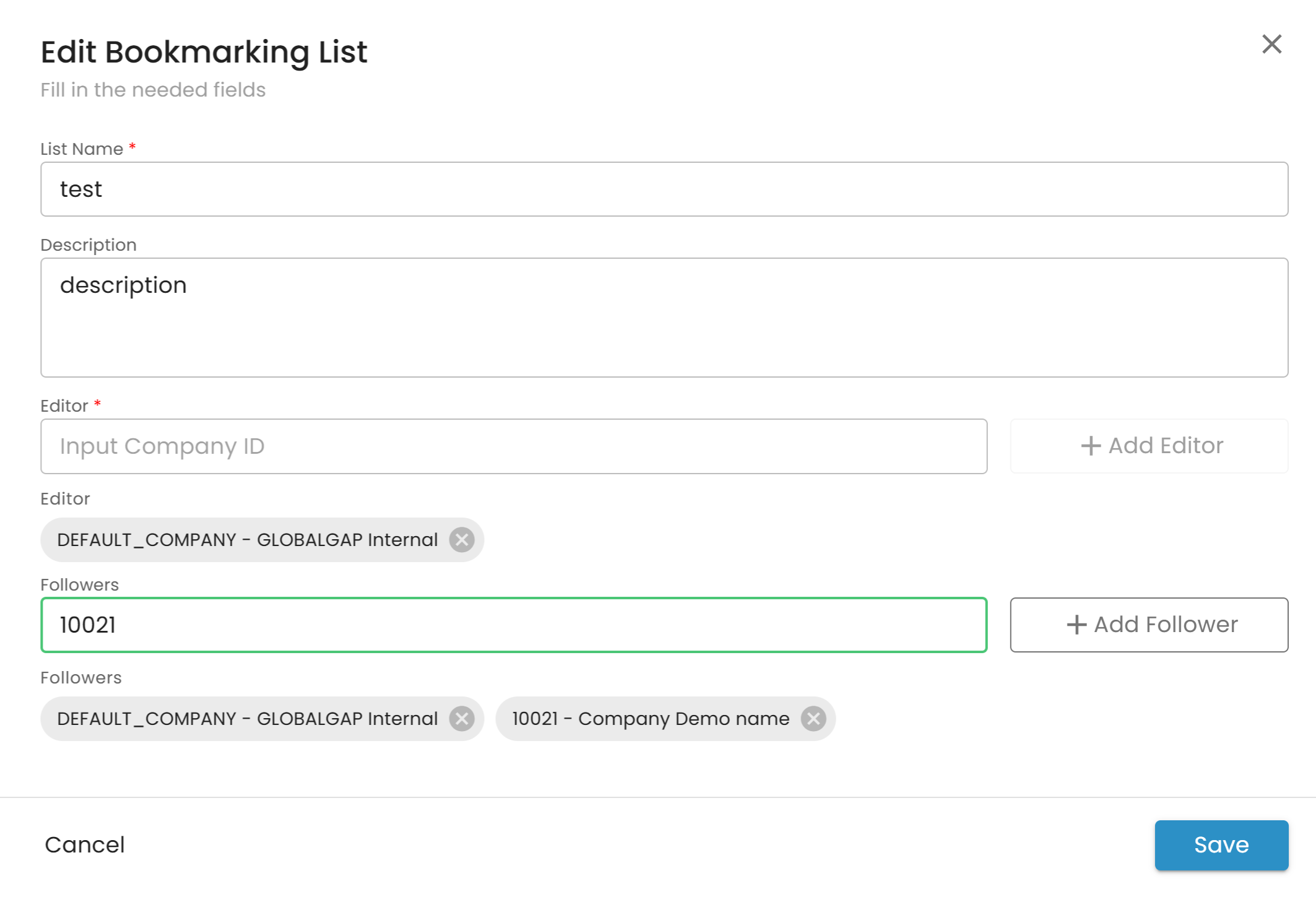
Now, it is possible to add multiple followers to a Bookmarking list.
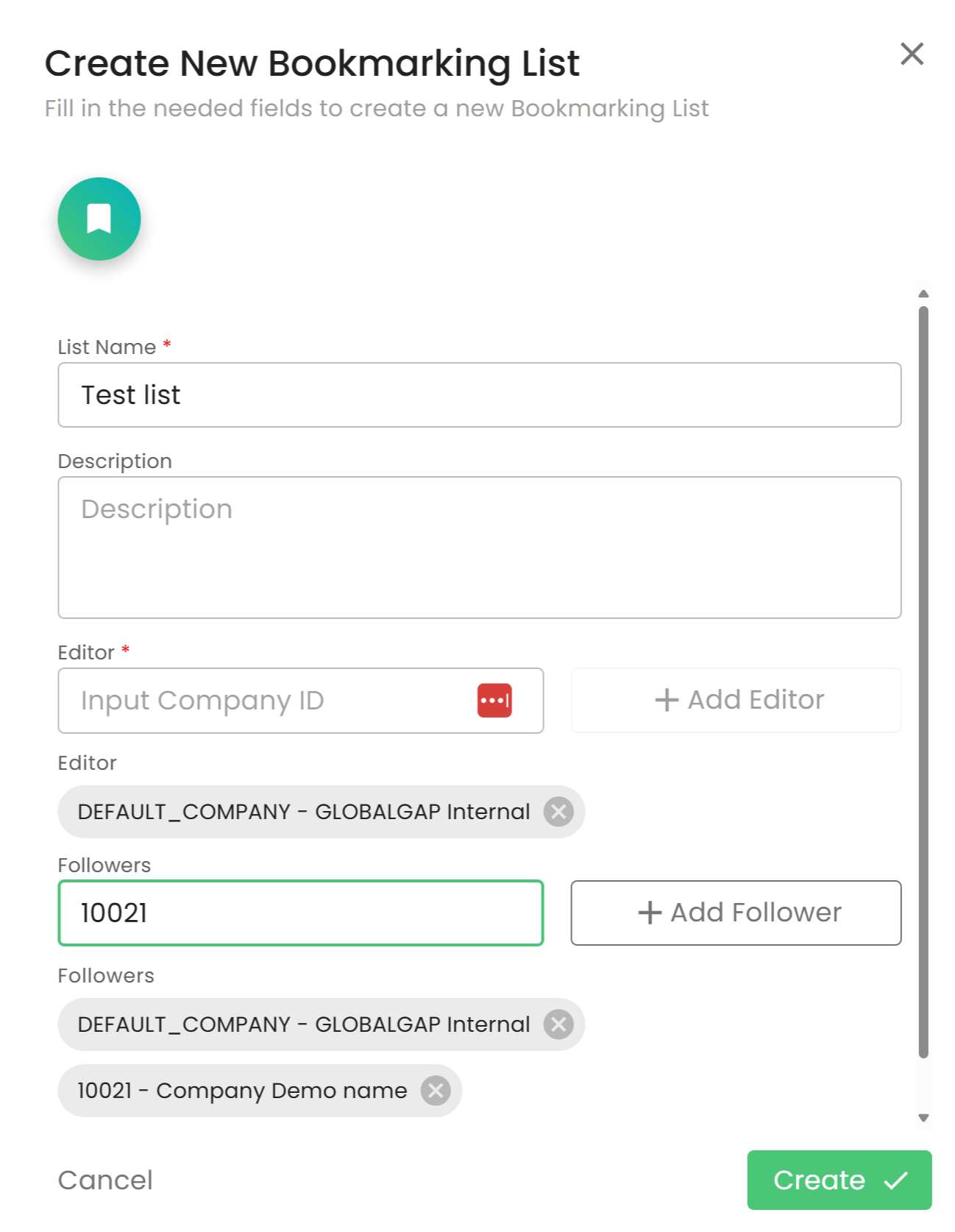
You can either add multiple followers when creating a list, as follows:
Enter the company ID and click “Add follower”. After that, click “Create”.
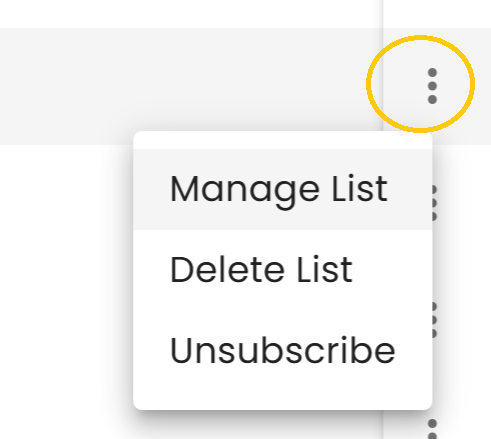
You can also add the followers to an already existing list. Click on “Manage list” under three dots on the right side of the page.
Enter the company ID and click “Add follower”. After that, click “Save”.