
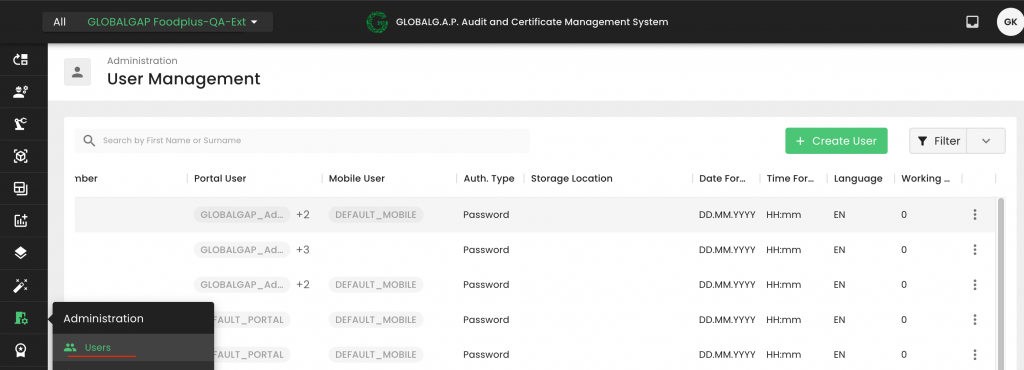
Go to Users
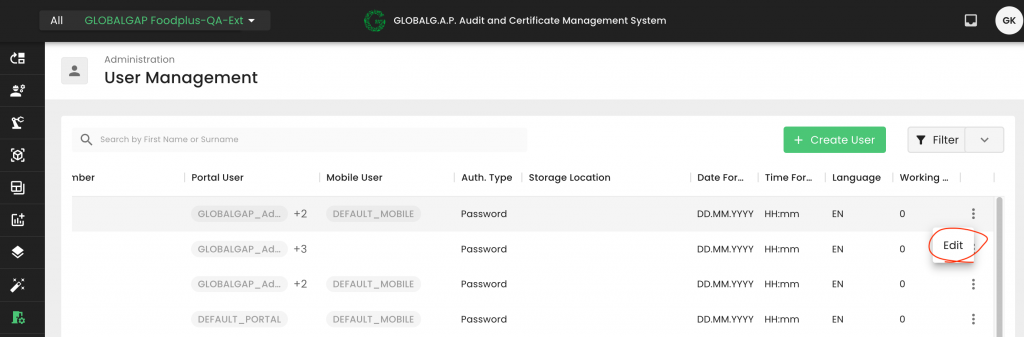
Then click on Edit
Please note that there is no dedicated “Reset button”.
To reset your password, you can type your new password into the “Password” and “Confirm Password” fields:

Press save
Note: It is recommended to avoid using characters such as “$”, “#”, or “*”. Instead, characters like “_” and “!”, capital and small letters and numbers should be preferred.
Note: The CB Scheme Manager can reset any user’s password. All other users can only reset their own password.