
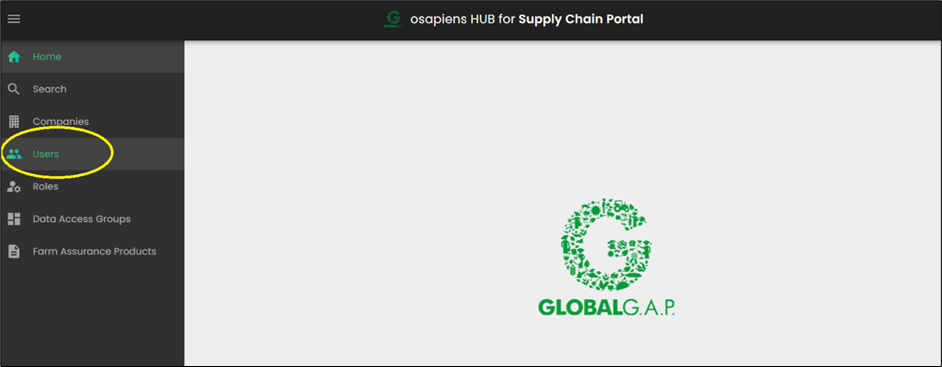
Click on Users in the left-hand menu:
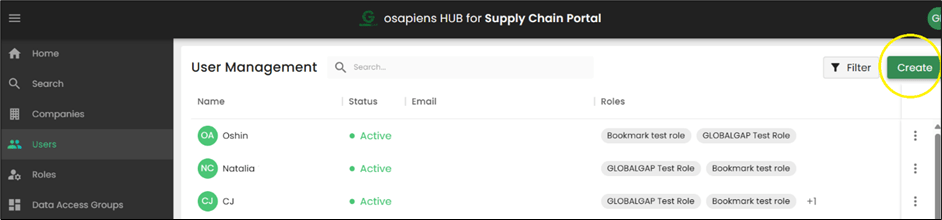
Then click on the button Create and fill out the needed information and then again click on Create:
Roles for the users:
Master Data – enables the user to create additional users
Bookmarking Creation – enables the user to create bookmarking lists, as well as put GGNs to the lists and use the Excel upload (use the tab Search – Bookmarking lists)
Bookmarking Search – enables the user to view the list results/data (use the tab Search – Search by bookmarks)
Note: an e-mail can be assigned only once in the SCP. The system wont allow you to create a second account for the same e-mail.