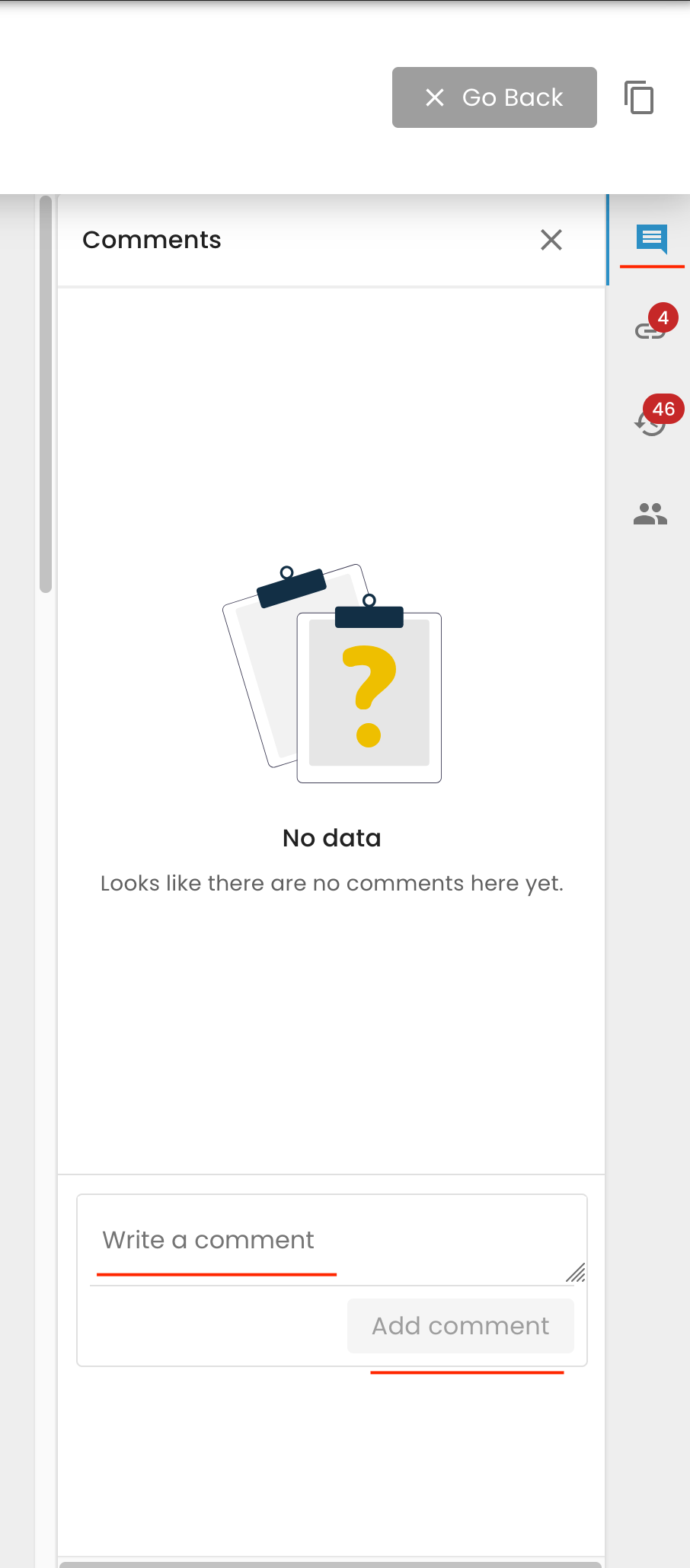
To add any confidential information or comment that shall not appear in the report, you can use the comment section on the right-hand side of each work order, as seen below:
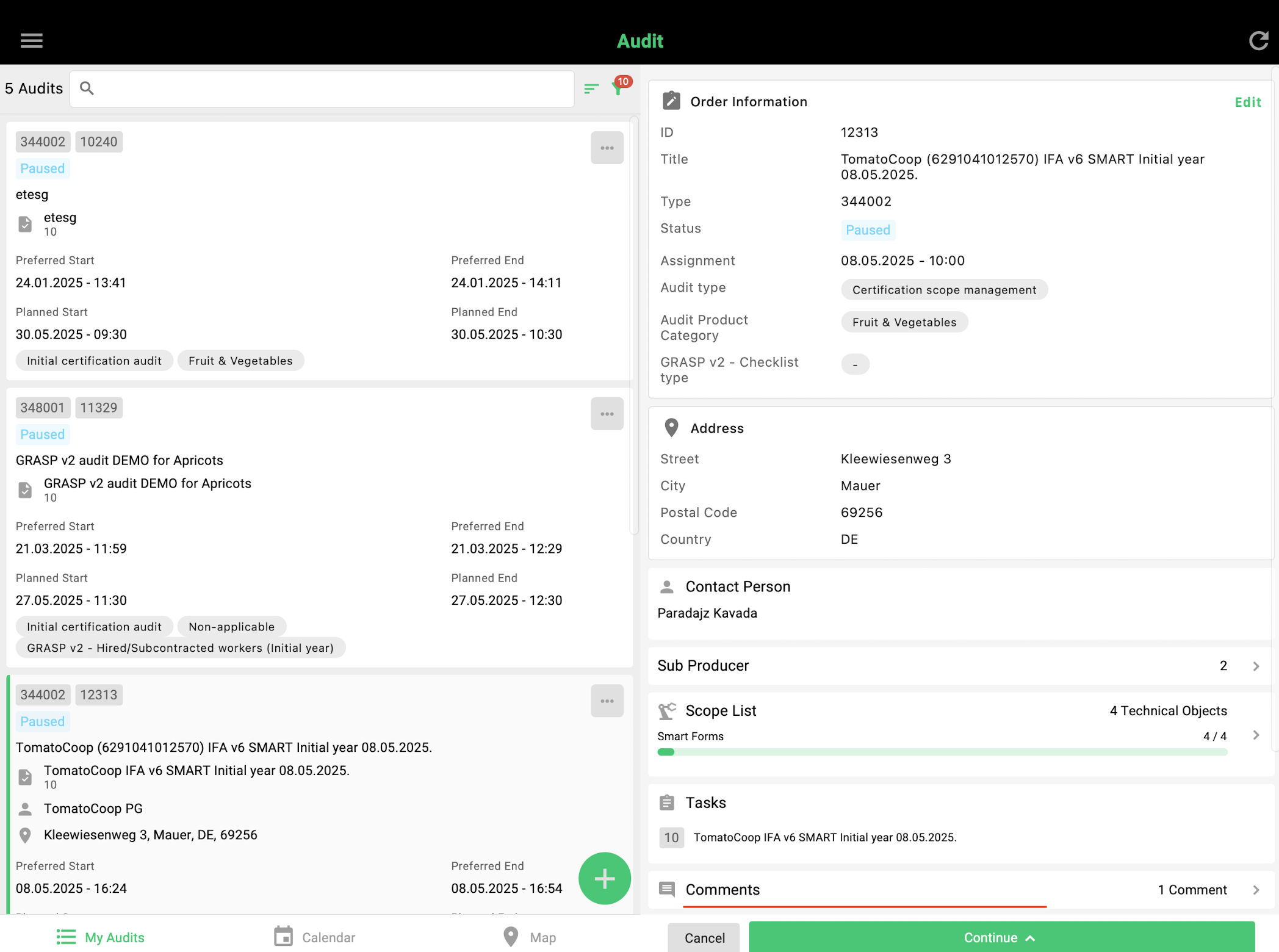
In the mobile app, comments can be added here:

To add any confidential information or comment that shall not appear in the report, you can use the comment section on the right-hand side of each work order, as seen below:
In the mobile app, comments can be added here: